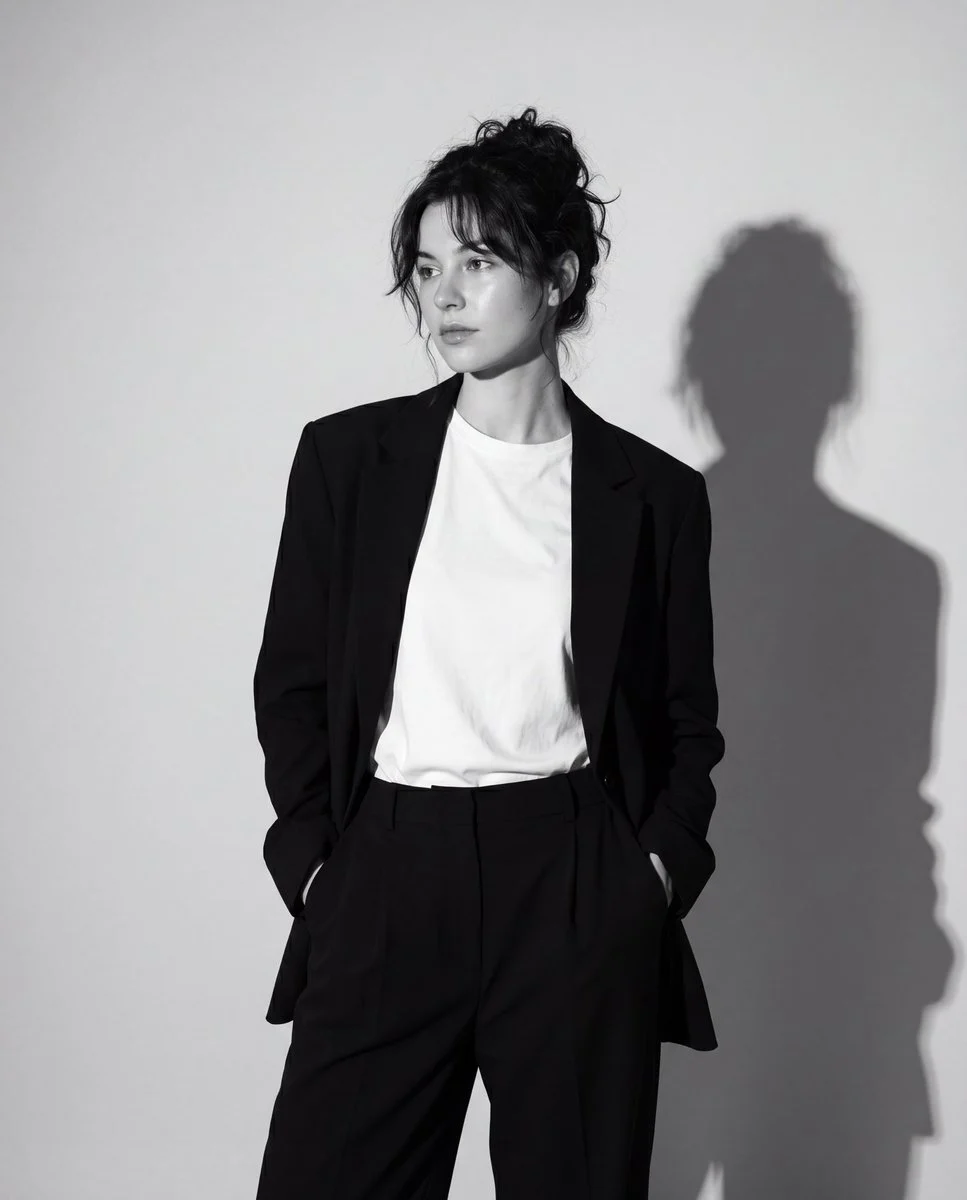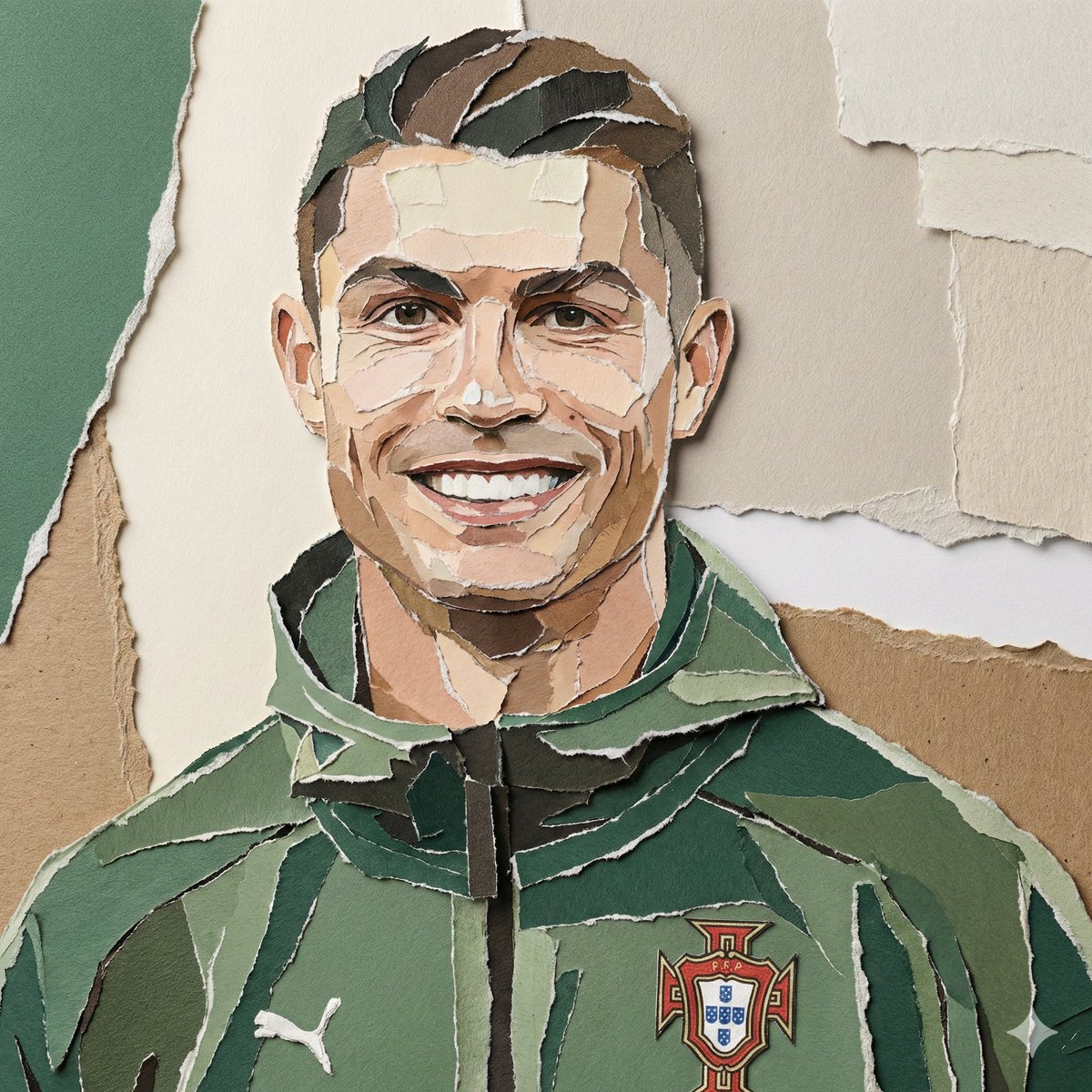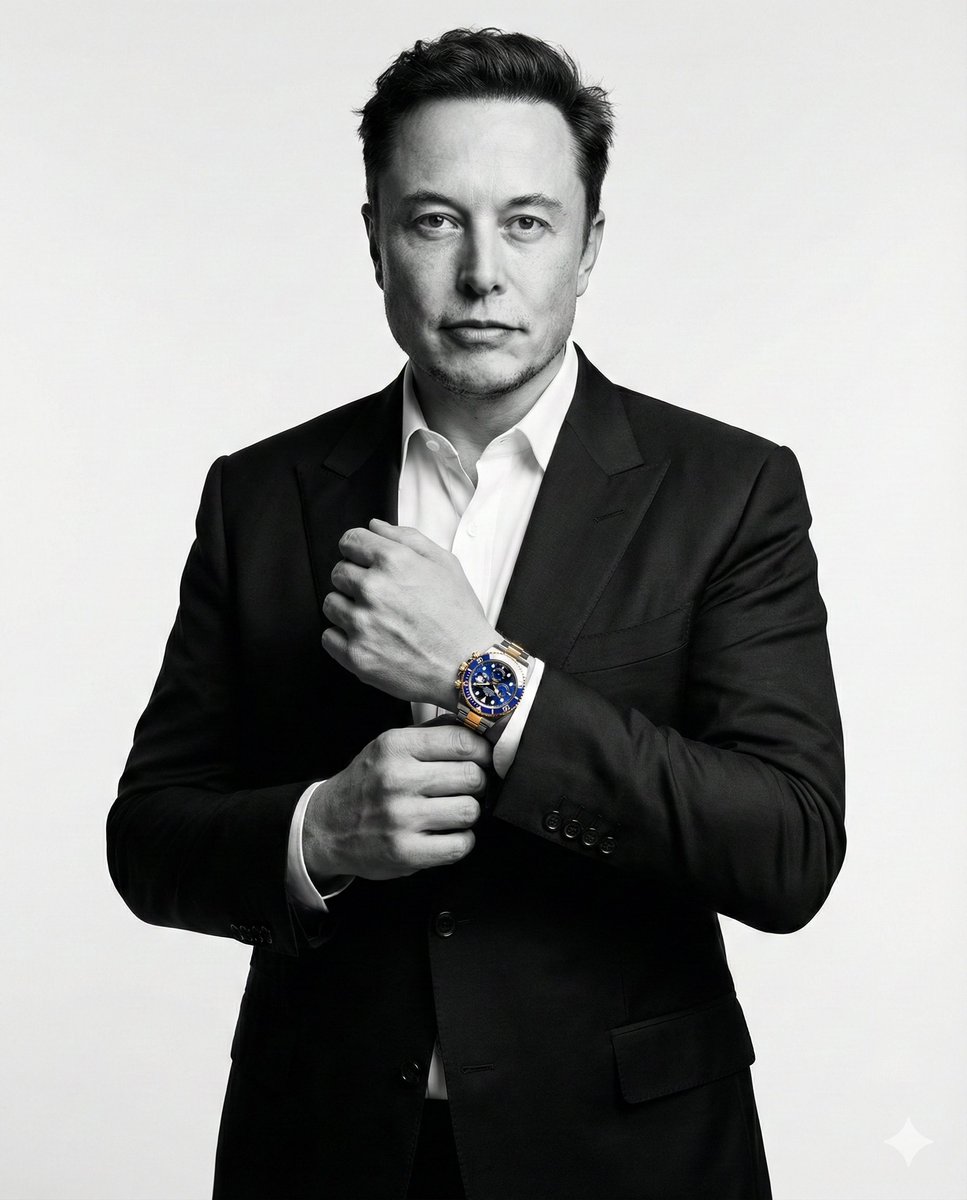
پرتره شهری مودی — زیر پل بتونی، فیلم گرین کلاسیک کروم
پرتره سینماتیک در محیط بتونی خشن زیر پل، با نور از بالا، گرین فیلم Fuji Classic Chrome و حس نوستالژیک. چهره از تصویر مرجع آپلودشده حفظ میشود.
ChatGPT ImageMidjourneyGeminiFlux
پرامپت آماده کپی
متغیرها را پر کن؛ متن نهایی همان لحظه ساخته میشود. فیلد خالی با نمونه پر میشود.
متن نهایی
Upload one reference image before generating.
Using the uploaded image as the only identity reference, preserve the exact facial structure, face shape, hairstyle, hairline, eyebrows, eyes, nose, lips, jawline, skin tone, facial proportions, age appearance, and recognizable identity from the uploaded image. Do not beautify, redesign, or alter facial features. The final result must immediately resemble the reference person.

A moody, urban portrait of a person standing under a desolate concrete overpass, the harsh architectural lines framing a lone figure. They are wearing an relaxed streetwear oversized white t-shirt and loose dark pants, hands in pockets, a relaxed posture. The ground is rough, textured concrete, with hints of dampness. Cinematic top lighting with deep shadows and rich texture, emphasizing the starkness of the environment. Shot on 35mm, f/2.8, ISO 400, 1/125s. Apply Fuji Classic Chrome preset with warm highlights cool shadows warm highlights, strong contrast, slight desaturation, light film grain, and soft vignette for a nostalgic, cool-blue tone look. Make the aspect ratio 4:5.

Negative prompt:
clean environment, bright colors, studio lighting, altered identity, different person, deformed face, multiple figures, digital art, illustration, watermark, text, overexposed, flat lighting, noise without grain character
راهنمای استفاده
بهترین کاربرد
- محتوای برند شخصی با استتیک فیلم و خیابانی برای اینستاگرام
- پرتره موزیسین یا هنرمند با حس شهری و نوستالژیک
- لوکبوک استریتویر در لوکیشنهای اربان خشن
- پوستر موزیک یا رویداد با استتیک فیلم گرین کلاسیک
- ویژوال داستانگو برای فیلم کوتاه یا پروژه بصری
- محتوای ادیتوریال برای مجله مد خیابانی و آلترناتیو
- پروفایل هنری با تم انزوا و معماری شهری
مراحل
یک تصویر رفرنس از چهره موردنظر آپلود کنید — هویت در خروجی حفظ میشود.
{Outfit_Style} را با استایل لباس دلخواه جایگزین کنید؛ مثلاً: relaxed streetwear، all-black minimal، vintage layered.
{Color_Grade} را تنظیم کنید؛ مثلاً: warm highlights cool shadows، muted teal and orange، desaturated blue tones.
{aspect_ratio} را بر اساس پلتفرم انتخاب کنید؛ ۴:۵ برای اینستاگرام یا ۳:۲ برای فرمت افقی.
پرامپت کامل را در ابزار تولید تصویر پیست کنید.