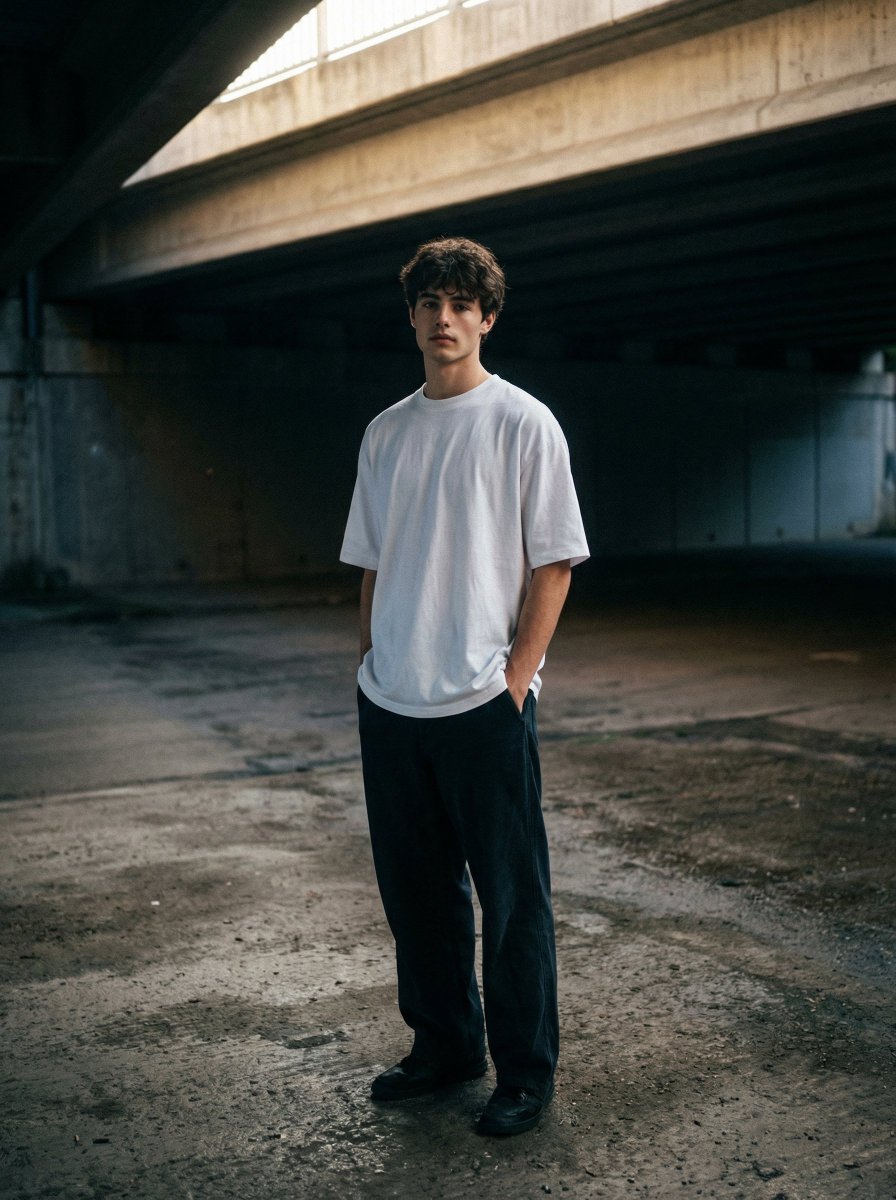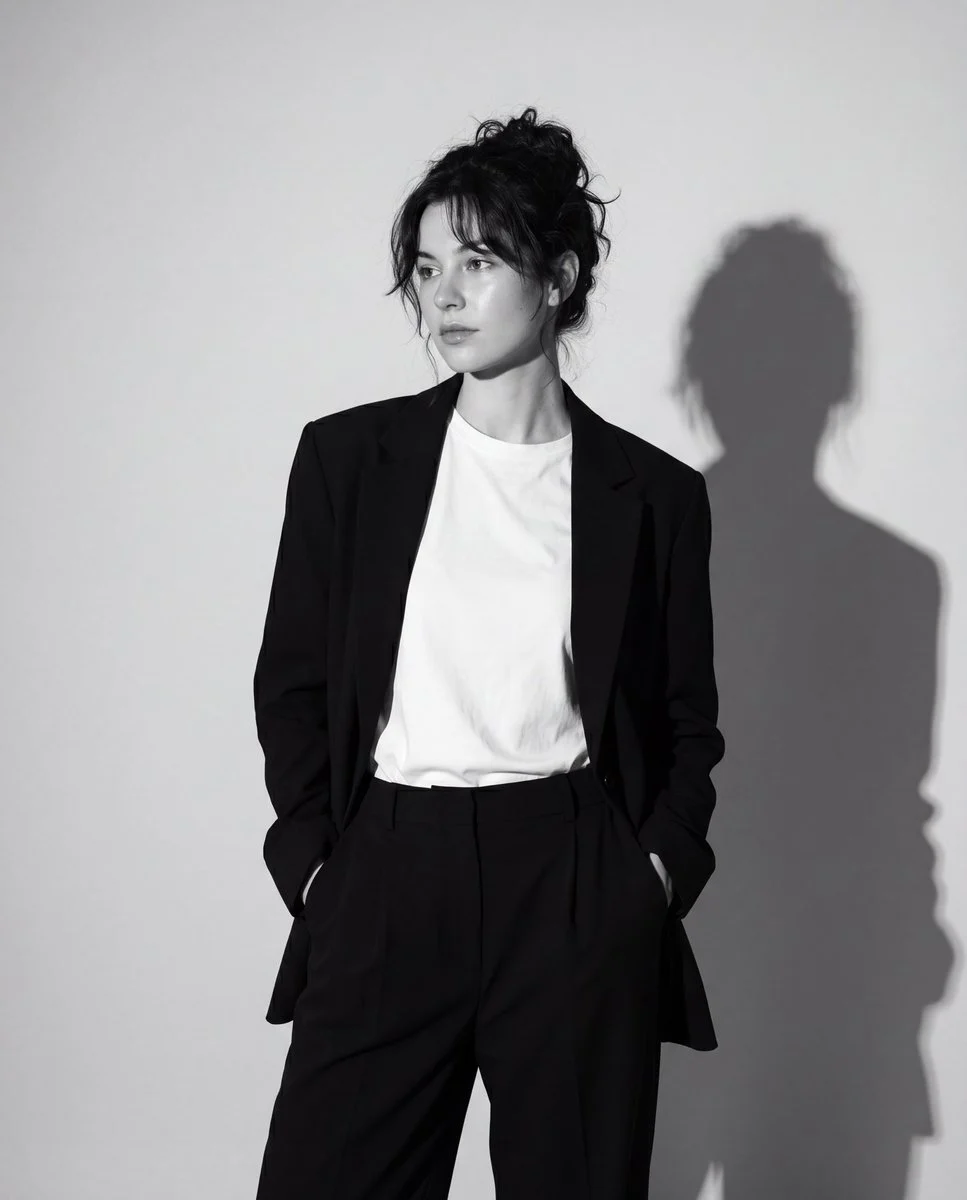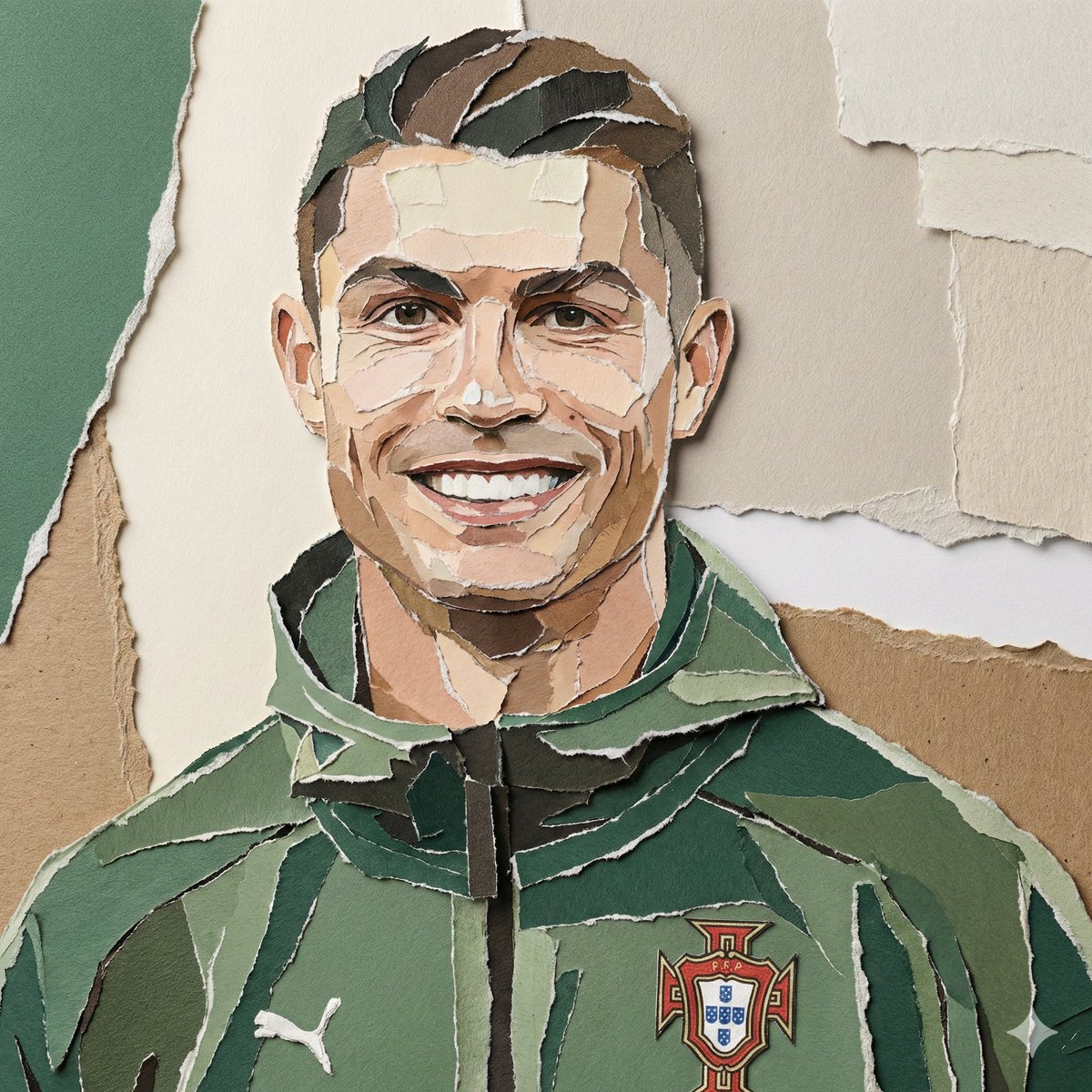
پرتره استودیویی مردانه — سیاه و سفید با عینک رنگی انتخابی
پرترهای استودیویی مینیمال در سیاه و سفید با تنها یک المان رنگی — فریم عینک. نور سینمایی نرم، پوست با جزئیات واقعی و سبک مد مدرن. هویت چهره از تصویر مرجع آپلودشده حفظ میشود.
پرامپت آماده کپی
متغیرها را پر کن؛ متن نهایی همان لحظه ساخته میشود. فیلد خالی با نمونه پر میشود.
متن نهایی
Upload one reference image before generating.
Using the uploaded image as the only identity reference, preserve the exact facial structure, face shape, hairstyle, hairline, eyebrows, eyes, nose, lips, jawline, skin tone, facial proportions, age appearance, and recognizable identity from the uploaded image. Do not beautify, redesign, or alter facial features. The final result must immediately resemble the reference person.
Ultra-realistic studio portrait of a man, close-up headshot, centered composition, neutral expression, sharp facial details, textured skin, clean grooming, wearing a black turtleneck and dark tailored coat, modern minimalist fashion, monochrome black and white photography style, only the glasses in color (translucent amber-orange frame and lenses), high contrast lighting, soft studio light, cinematic shadows, editorial fashion photography, plain light background, 85mm lens, shallow depth of field, ultra detailed, photorealistic, magazine quality, 8K. Make the aspect ratio 4:5.

Negative prompt:
Cartoon, anime, CGI, altered identity, beautified features, distorted face, colored portrait, warm tones, busy background, colored clothing, heavy retouching, oversmoothed skin, plastic skin, low resolution, text, watermark.
راهنمای استفاده
بهترین کاربرد
پرتره هنری شخصی — برای مردانی که میخواهند نسخهای مینیمال و ادیتوریال از خود داشته باشند
مراحل
ابتدا یک تصویر مرجع از چهره مرد موردنظر آپلود کنید.
متغیرهای زیر را پیش از اجرا جایگزین کنید:
{outfit}: لباس — مثال: black turtleneck and dark tailored coat / white shirt and grey blazer / black crewneck
{glasses_color}: رنگ فریم عینک — مثال: translucent amber-orange / cobalt blue / deep red / forest green / clear crystal
{lighting}: نورپردازی — مثال: soft studio light / dramatic Rembrandt light / split lighting
{background}: پسزمینه — مثال: plain light background / dark seamless background / warm grey gradient
{aspect_ratio}: نسبت ابعاد خروجی — مثال: 4:5 / 1:1 / 3:4
پرامپت را در ابزار تولید تصویر موردنظر وارد کنید.
Negative Prompt را در فیلد مربوطه جداگانه وارد کنید.
برای بهترین نتیجه، از تصویر مرجع با نورپردازی واضح روی چهره استفاده کنید.